From Exe to Pixels: Image Generation For Malware Classification
22 Jun 2020
This write-up came about after learning about image classification from fast.ai's online course. The course started out by teaching participants to classify cats and dogs images, this was cool at the time but then my mind shifted to can this be used to classify malware and how? The simple answer, yes, but finding a dataset with benign images now that was a problem. So in this write-up, I will showing the steps I took while i started to build a dataset with benign greyscale images using windows executables.
The How
While research the topic I came across the paper Malware Images: Visualization and Automatic Classification by L. Nataraj, S. Karthikeyan, G. Jacob, and B. S. Manjunath. Published in July 2011 the authors had created the Malimg Dataset with 25 different families of malware.
My idea was to build a benign image set to compare against the dataset sample images and see if how well a Convolutional Neural Networks(CNN) could classify them. The code below comes directly from the paper but i have since updated it to python 3 and found new packages as the imported image library was deprecated.
Getting Useable Files - Windows VM
As am using a mac i did not direcly have access to windows files so the next best option was to boot up a window virtual machine and copy across the files. This didn't quite work as i had a few issues the VM guest additions instead i uploaded a copy of the program files from the C drive to Google Drive and then download them locally.
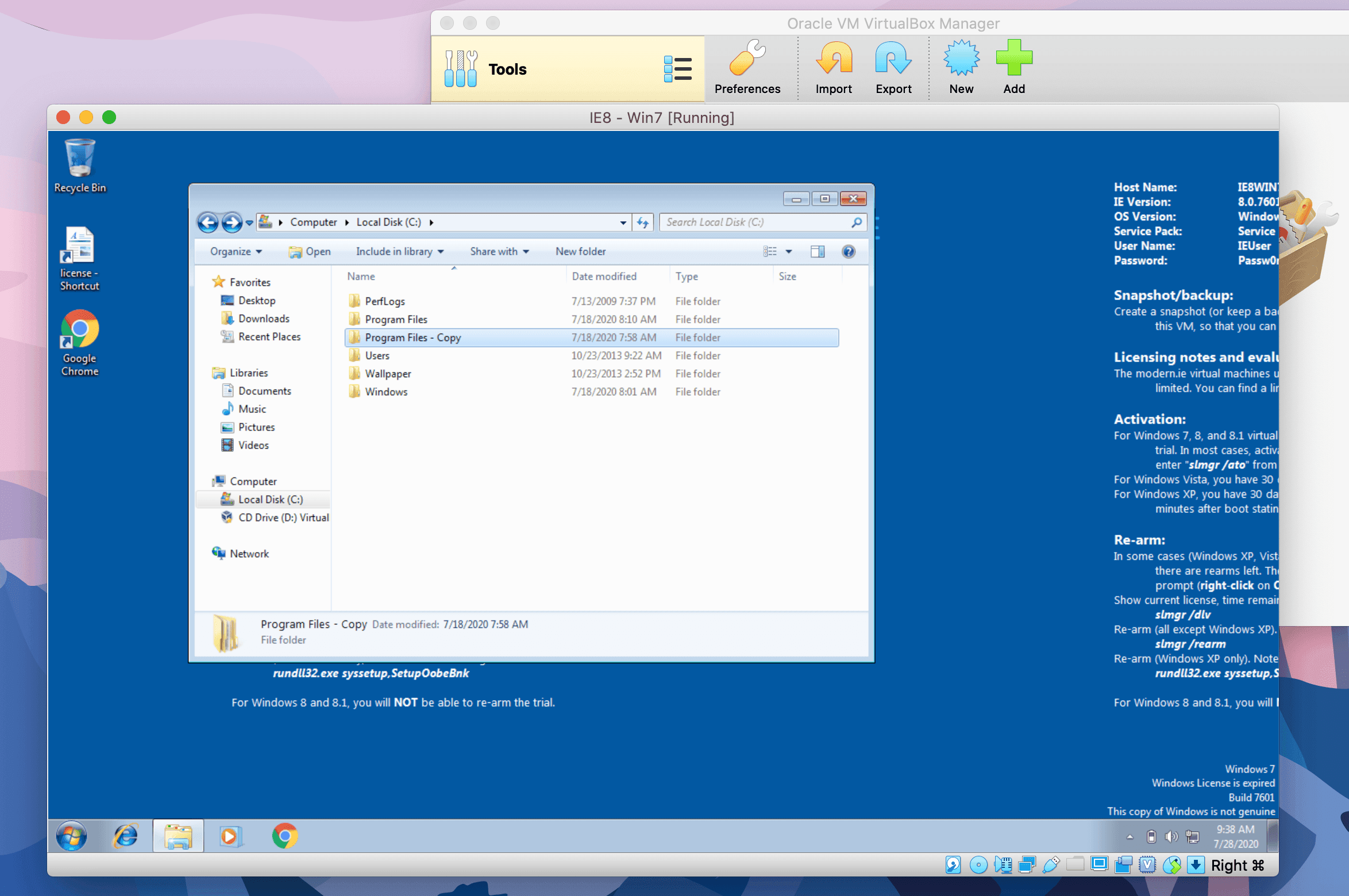
Once i had the windows files i sorted them into a folder containing only the executatables for this example.
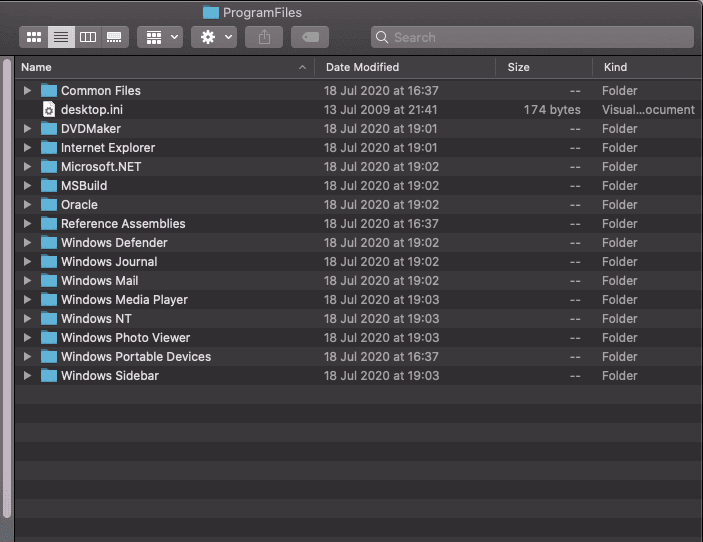
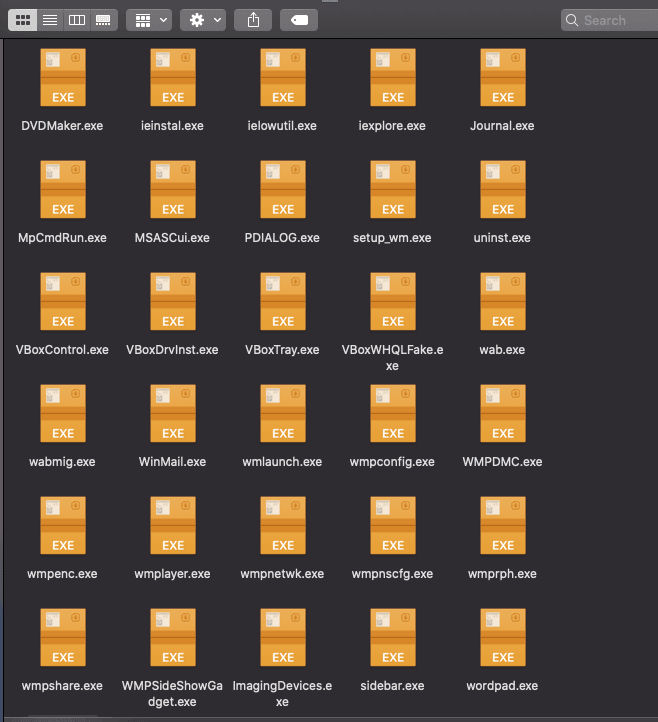
Image Generation
The code below as noted is from the authors paper, the two changes i made where to cast the re-shape funcation as a int from a float becasue it keep throwing an float error. The other was to find a replacement image libary that took numpy arrays as input, pyPng served as a good alternative.
import numpy as np
import scipy, os, array, png

filename = 'ieinstal.exe'
f = open(filename,'rb')
ln = os.path.getsize(filename) # length of file in bytes
width = 256
rem = ln%width

a = array.array("B")
a.fromfile(f,ln-rem)
f.close()

h = np.reshape(a,(len(a)//width,width)) # change from float to int
g = np.uint8(h)

#scipy.misc.imsave('iedvtool.png',g) # save the image -> old method, now deprecated.

#new lib pyPng
png.from_array(g, mode="L").save("/Users/user/Desktop/imgs/ieinstal.png")
Image Generated example
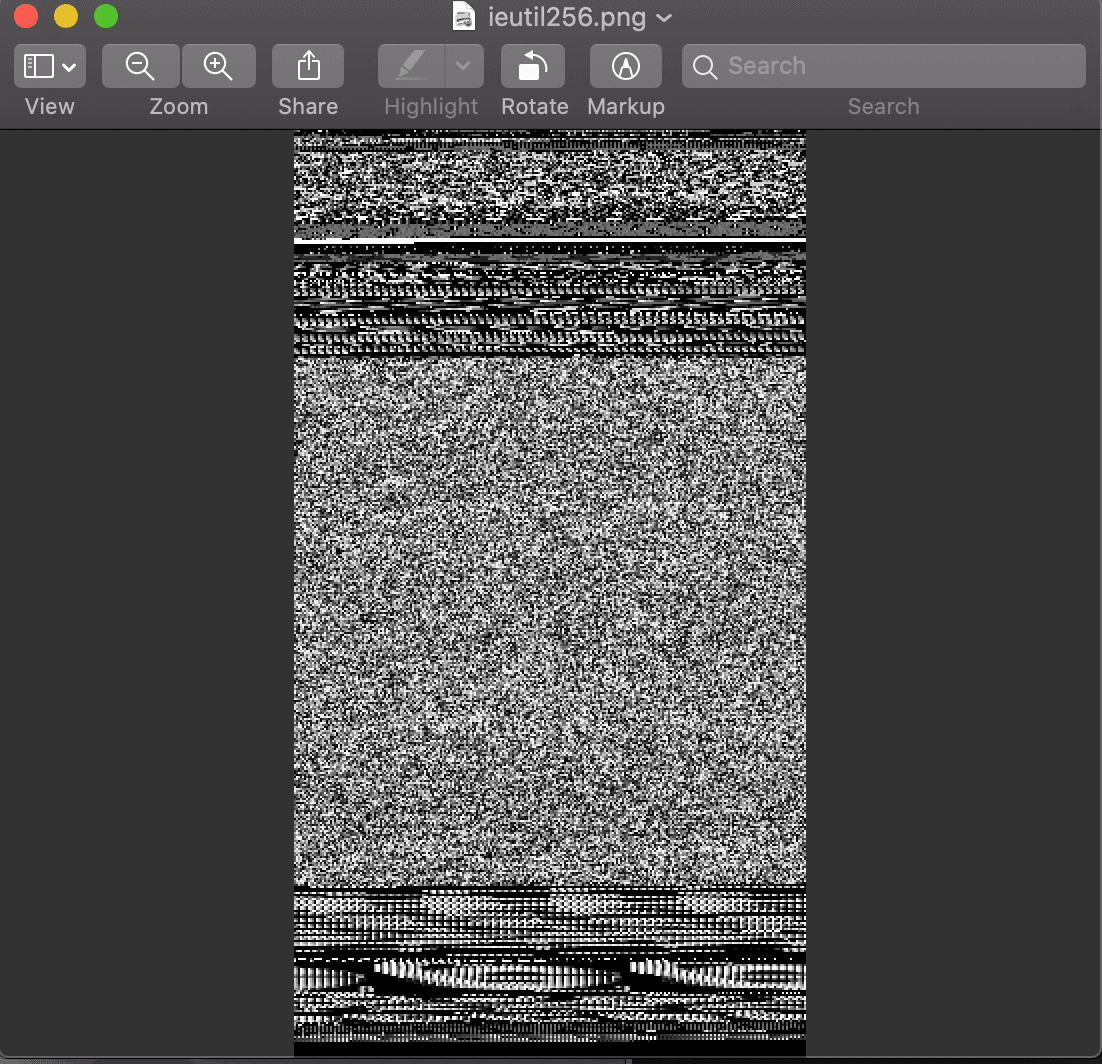
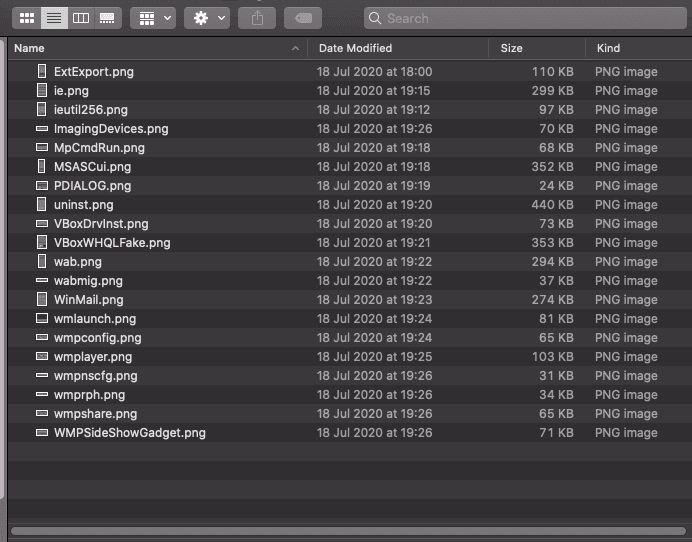
Once working I continued processing all sample executables in the folder above making train and validation folders to work with. Born out of interest and curiously I look forward to contining to collecting more sample for the data set and running it through a CNN.
Thanks for reading and I hope this give you a small insight into one method that can be used for malware classification and the tools to create your own datasets.
Future Development
- Automate the process with the python os package and os.walk()
- Upload to an AWS instance for classification